
Turn business events into completed work
Omnishi Playbooks run business operations automatically when the events that matter to your company occur.
An incoming email, customer message, webhook, website interaction, or data change can start a Playbook. Omnishi gathers authorized context, applies company rules, takes action in connected systems, coordinates with the people involved, and continues until the job is completed or a human decision is required.
This makes Omnishi a platform for event-driven AI operations—not merely a place where employees prompt AI for help.
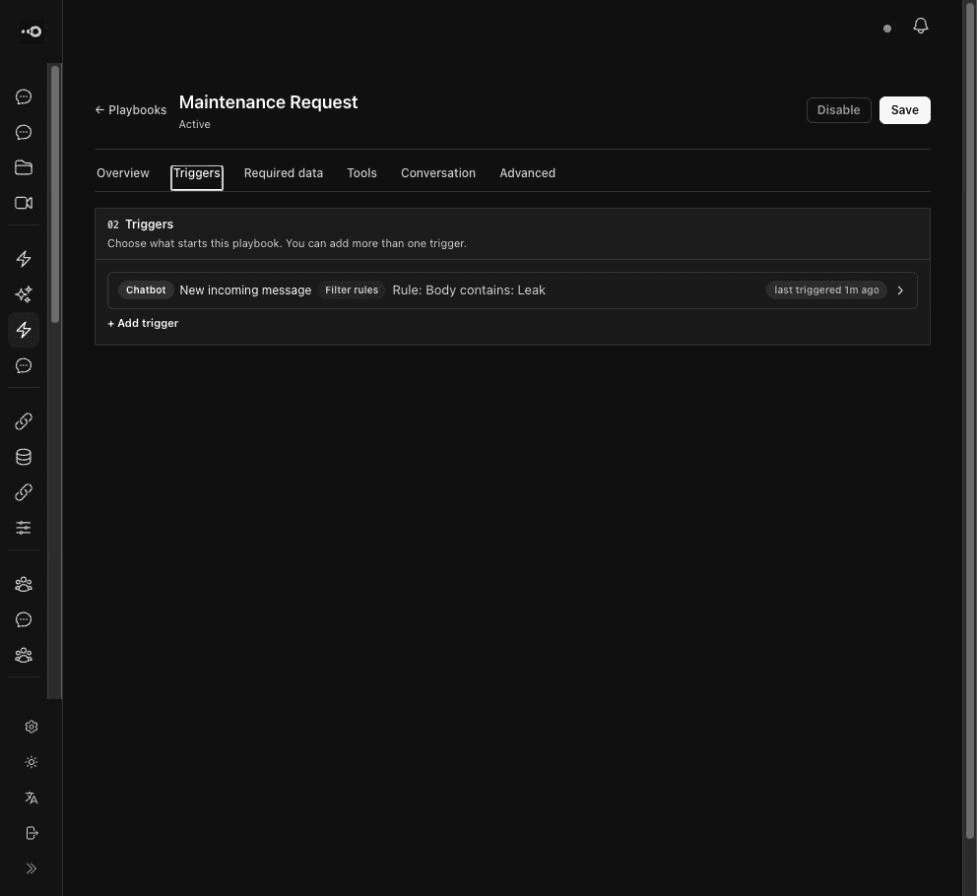
What an Omnishi Playbook contains
Execution, permissions, process state, and accountability are managed together because all four are necessary to operate the process.
- Trigger: the event that starts the operation
- Goal: the observable outcome it must reach
- Knowledge: the policies, procedures, and context it may use
- Data: the records it may read or update
- Actions: the tools, communications, and changes it may perform
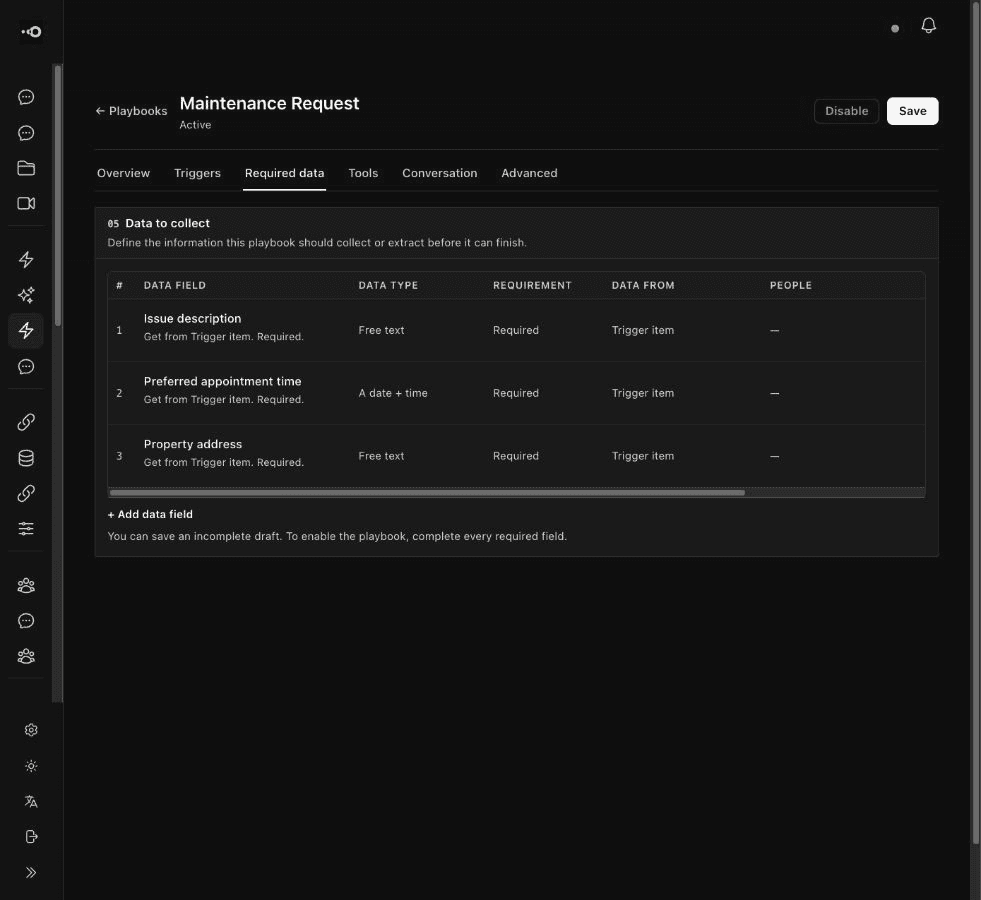
- Rules and restrictions: the boundaries governing execution
- Human checkpoints: actions or decisions requiring approval
- Exception handling: when and where the process escalates
- Activity record: actions, sources, costs, failures, and outcomes
Connect Omnishi to the flow of business
Omnishi can run Playbooks from configured sources such as Gmail, WhatsApp, website bot channels, webhooks, and company data.
A service request can identify the customer and apply the procedure. A vendor invoice can be extracted, matched, and routed through approval rules. A form submission can enrich a record and initiate follow-up. A project checkpoint can trigger a status check. A database change can re-evaluate a case and synchronize systems.
The Playbook does not end simply because it sent a message or invoked a tool. It maintains operational state through replies, delays, retries, updates, and human decisions.
Coordinate work outside software
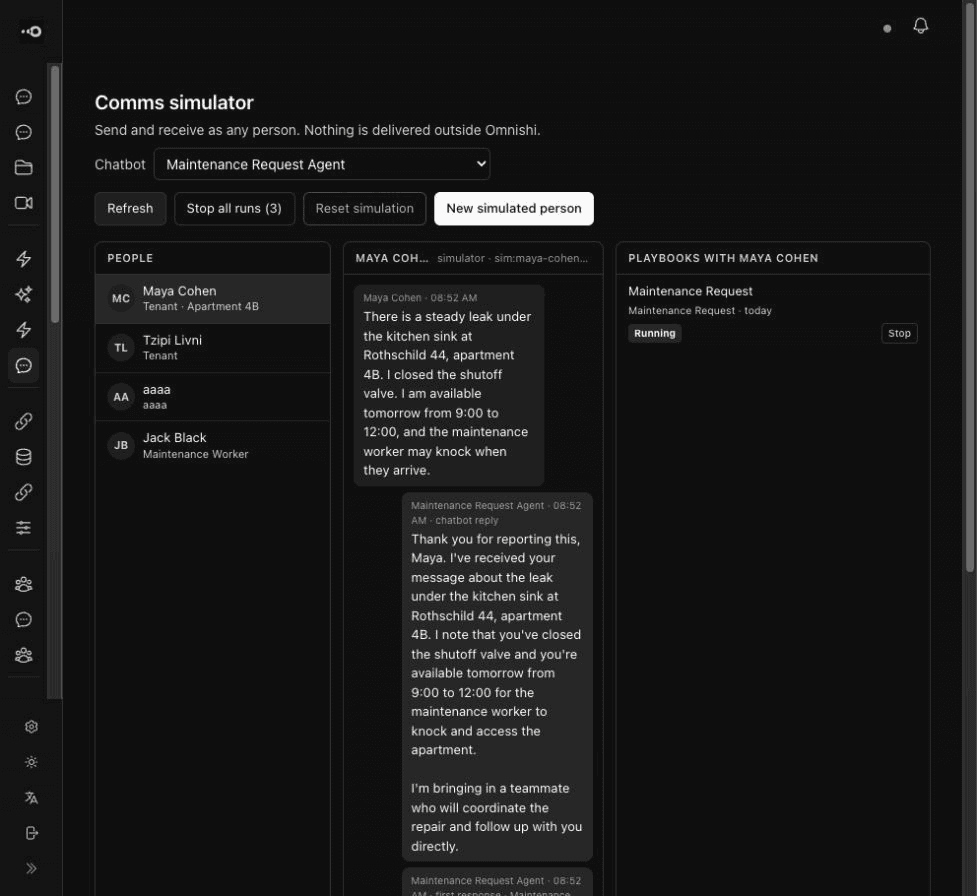
Many processes eventually need something from a person. A customer must clarify a detail. A supplier must offer a time. A manager must approve an exception.
Omnishi coordinates those interactions inside the same operation. A reply becomes the next event. The Playbook preserves context, chooses the next authorized action, and continues toward its goal. Humans become a supported part of the process instead of the point where automation ends.
Govern each Playbook independently
A customer-service Playbook, finance Playbook, and project coordinator should not share the same authority. Omnishi can restrict which data an operating context accesses, which systems it changes, which actions require approval, which models it uses, and when it must stop.
If information is missing, sources conflict, or the case leaves its authority, the Playbook can pause and route the decision to a person instead of inventing a path forward.
Operational example
Changing a customer order
A customer asks to modify an order through WhatsApp. The message triggers the relevant Playbook. Omnishi identifies the customer and order, checks its state and the modification policy, determines whether the request is permitted, and asks for missing information.
When authorized, it updates the record and confirms the result. If the cutoff has passed or the change requires a financial exception, Omnishi sends the case to the correct employee with the conversation, policy, order state, and required decision.
The customer receives one continuous service interaction. The company receives a governed, recorded operation—not a draft response an employee still has to finish.
The capability Omnishi fulfills
An integration workflow works when paths and data are predictable. An assistant works when a person wants an answer. An agent framework helps developers build custom behavior.
Omnishi Playbooks fulfill the combined operational goal: run a process in which unstructured information, company rules, software actions, and human coordination must lead to a completed outcome.